What I was building
This was more than a drawing surface.
The obvious description is that I built a collaborative whiteboard. That is true, but it misses where most of the engineering work was. Drawing on a canvas was only one part of the problem. The harder part was making multiple people share the same space, interact with it continuously, and still have the product behave in a stable way.
Once a product becomes realtime, the standard changes. People stop judging it like a normal CRUD interface and start judging it by how reliably it responds. If another user draws, moves, or presents something, the system has to update in a way that stays consistent for everyone involved. If the interface lags, tears, or drifts out of sync, people notice immediately. That made this project interesting to me because it combined product behavior, rendering performance, and distributed state in the same implementation.
I worked across the browser canvas layer, the collaboration model, and the backend infrastructure behind it. The stack included React, Material UI, HTML canvas, Yjs, websockets, Node.js, Postgres, and AWS services including Lambda, S3, containers, and load balancing.
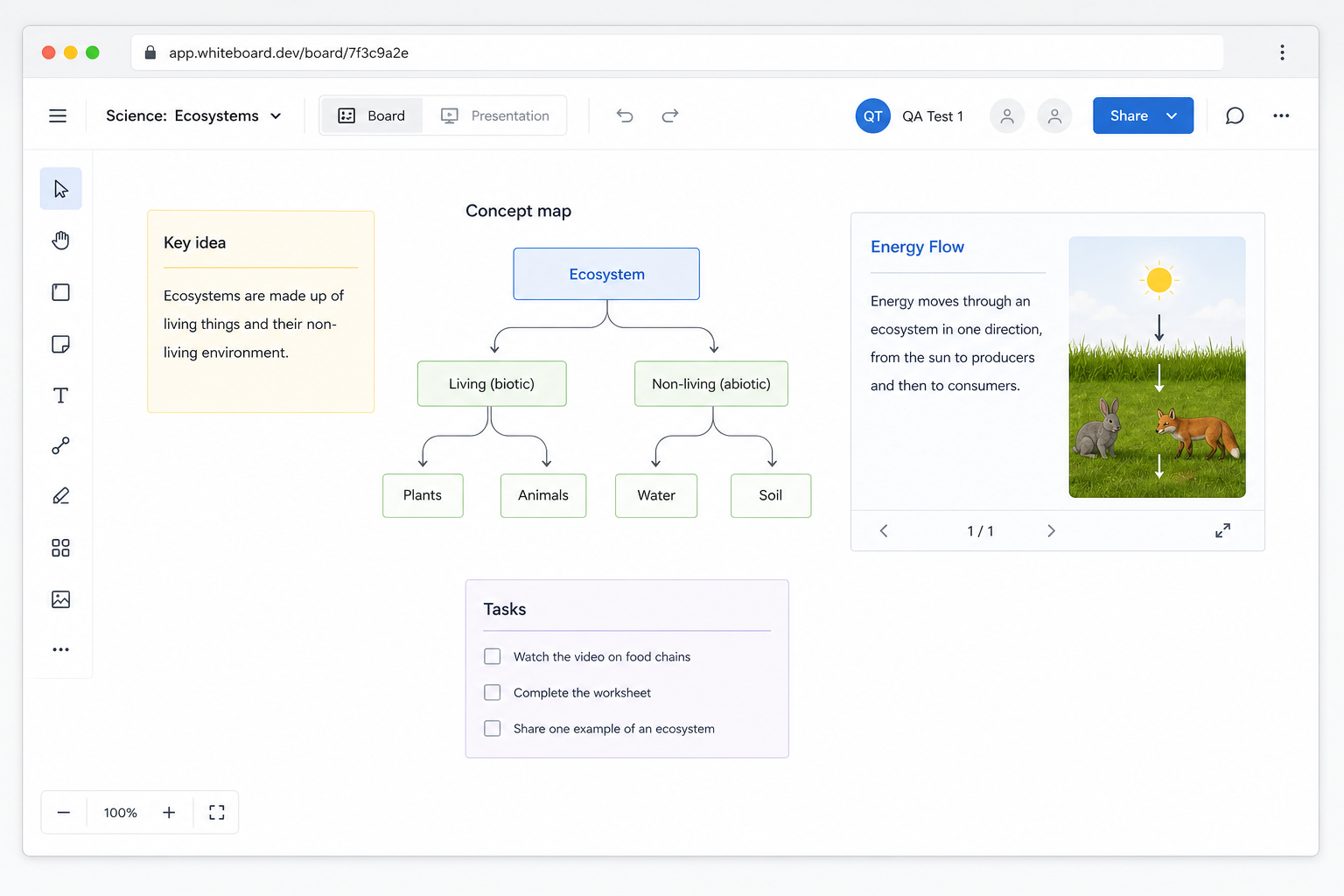
The hard part was making collaboration hold up under real interaction.
Synchronization
Using Yjs for shared state
One of the most important decisions in the project was using Yjs for shared state. I did not treat it as a trendy library choice or as a magic answer to collaboration. I used it because the product needed a state model that could tolerate multiple users making changes at once without collapsing into brittle last-write-wins behavior.
In practice, that meant thinking about more than just document convergence. The hard part was making the eventual consistency model line up with what users expect when they are actively collaborating. If someone moves through a board while another person is editing, or if a presentation flow depends on a shared view of state, technical correctness by itself is not enough. The system also has to feel predictable.
The websocket layer and the shared document model were closely tied. I spent time thinking about where updates should live, how state should move between the board and the surrounding UI, and how to keep the collaboration behavior understandable instead of mysterious.
Client
React UI, drawing tools, canvas interactions
Realtime
Yjs shared documents carried over websockets
Services
Node.js, Lambda, S3, Postgres, containers, load balancing
Performance
Rendering performance mattered because the board was always active.
Performance work was a major part of this project because the board was continuously updating while users were drawing, selecting, moving objects, and collaborating in real time. A small amount of unnecessary rendering is easy to tolerate in a conventional form or dashboard. On an interactive canvas, it becomes obvious very quickly.
I spent a lot of time controlling React render boundaries, reducing avoidable updates, and being deliberate about state ownership. That included memoization where it provided a measurable benefit, keeping controlled inputs from causing broader UI churn, and separating canvas interaction state from parts of the interface that did not need to re-render on every change.
The practical goal was straightforward: changes on the board should only update the parts of the UI that actually depended on them. That let the whiteboard stay responsive while collaboration state, canvas rendering, and surrounding controls were all active at the same time.
Collaboration
The whiteboard also needed collaboration features around the core canvas.
I also built collaboration features around the board itself, including user groups and presentation support. Those features mattered because the product had to support teams working together in the same session and using the board as a shared workspace.
That work is what made it usable in practice. The canvas was one part of the system. The surrounding collaboration workflow mattered just as much.
How I talk about it
What I would say in an interview
I built a realtime collaborative whiteboard using React, Material UI, HTML canvas, Yjs, websockets, Node.js, Postgres, and AWS. The main engineering challenges were shared state synchronization, rendering performance under continuous interaction, and building collaboration features like user groups and presentation support around the core board.
If someone wanted more detail after that conversation, this is the kind of project I would point them to because it shows the architectural choices, the frontend performance work, and the product decisions behind the implementation.